Share directly
From social feed to Savefold
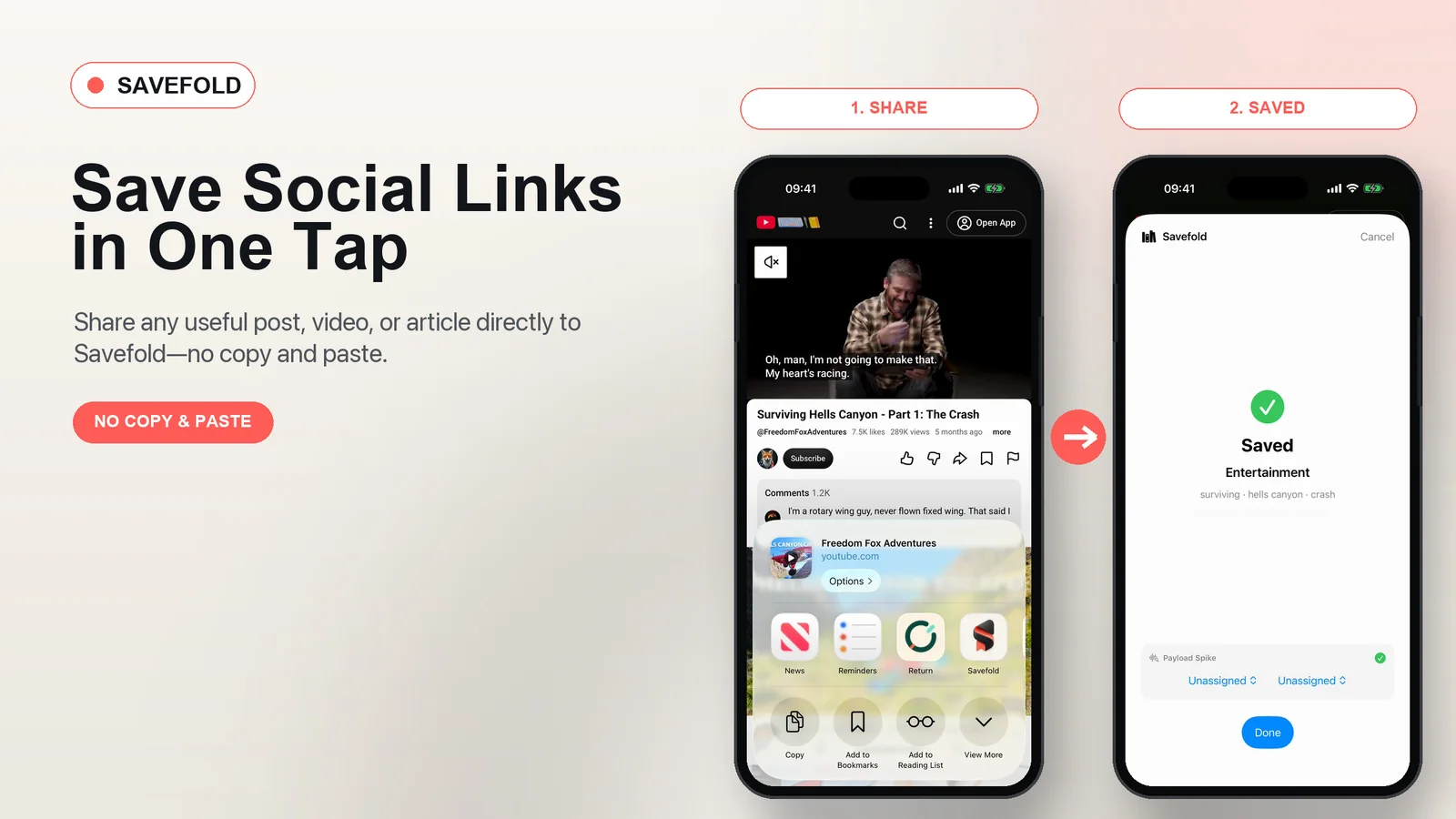
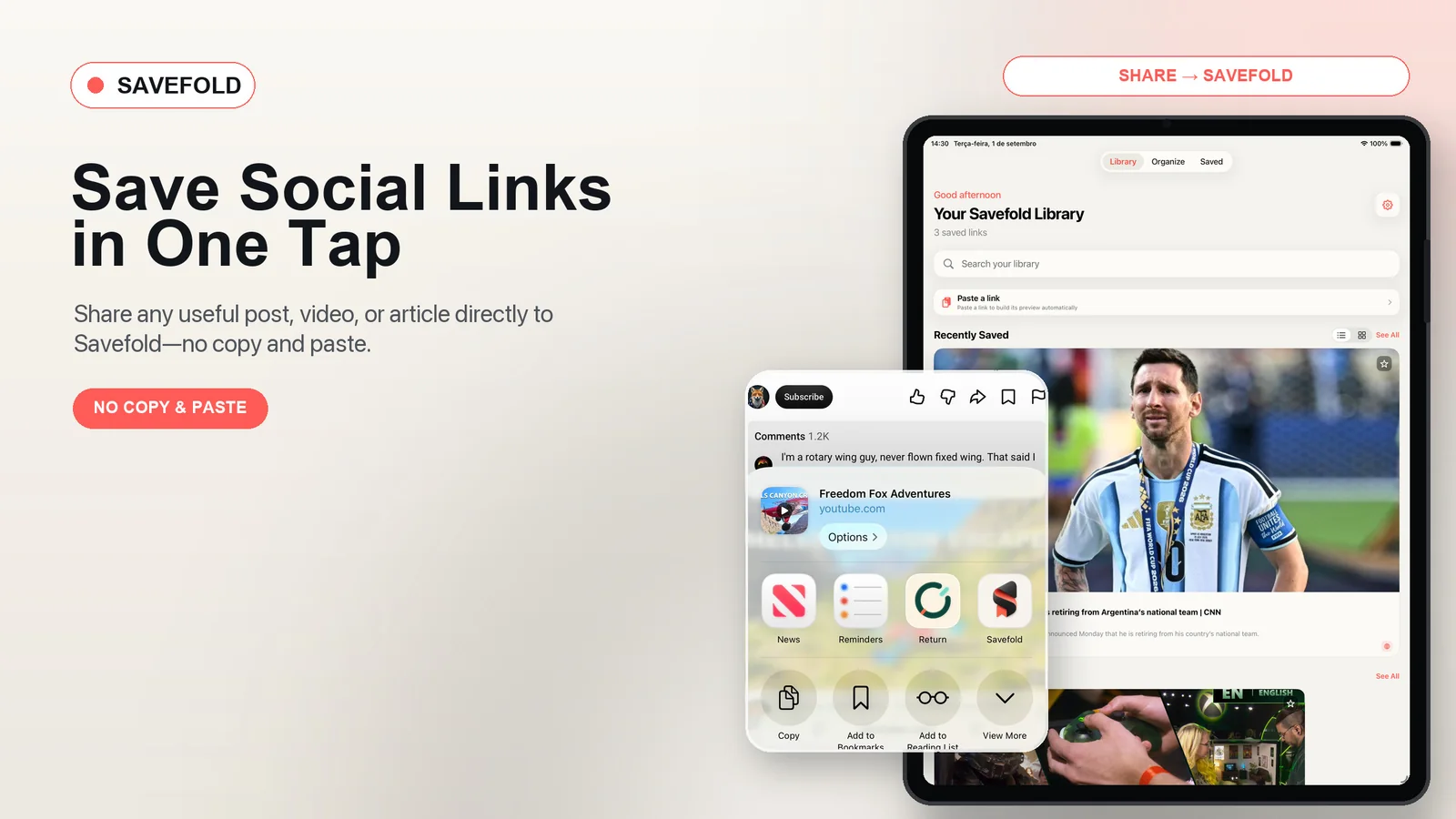
See how iPhone sharing sends a social post straight to Savefold — no copying or pasting a link.
Save the post from X, the video from YouTube, the recipe you almost lost, or the article you want to read later. Without a home for those links, useful ideas disappear inside feeds, messages, and open tabs. Savefold turns everything into one visual, searchable library — so you can return with context instead of starting the search all over again.
The Savefold film
A closer look at the library for posts, videos, and articles you want to keep within reach.
Watch a quick Savefold app demo: capture a link from YouTube or any public page, keep its visual context, organize it, and find it again in seconds — without an account.
See how iPhone sharing sends a social post straight to Savefold — no copying or pasting a link.
See the Savefold workflow from a saved URL to a searchable visual preview.
Keep the things you mean to come back to — with enough context to actually find them again.
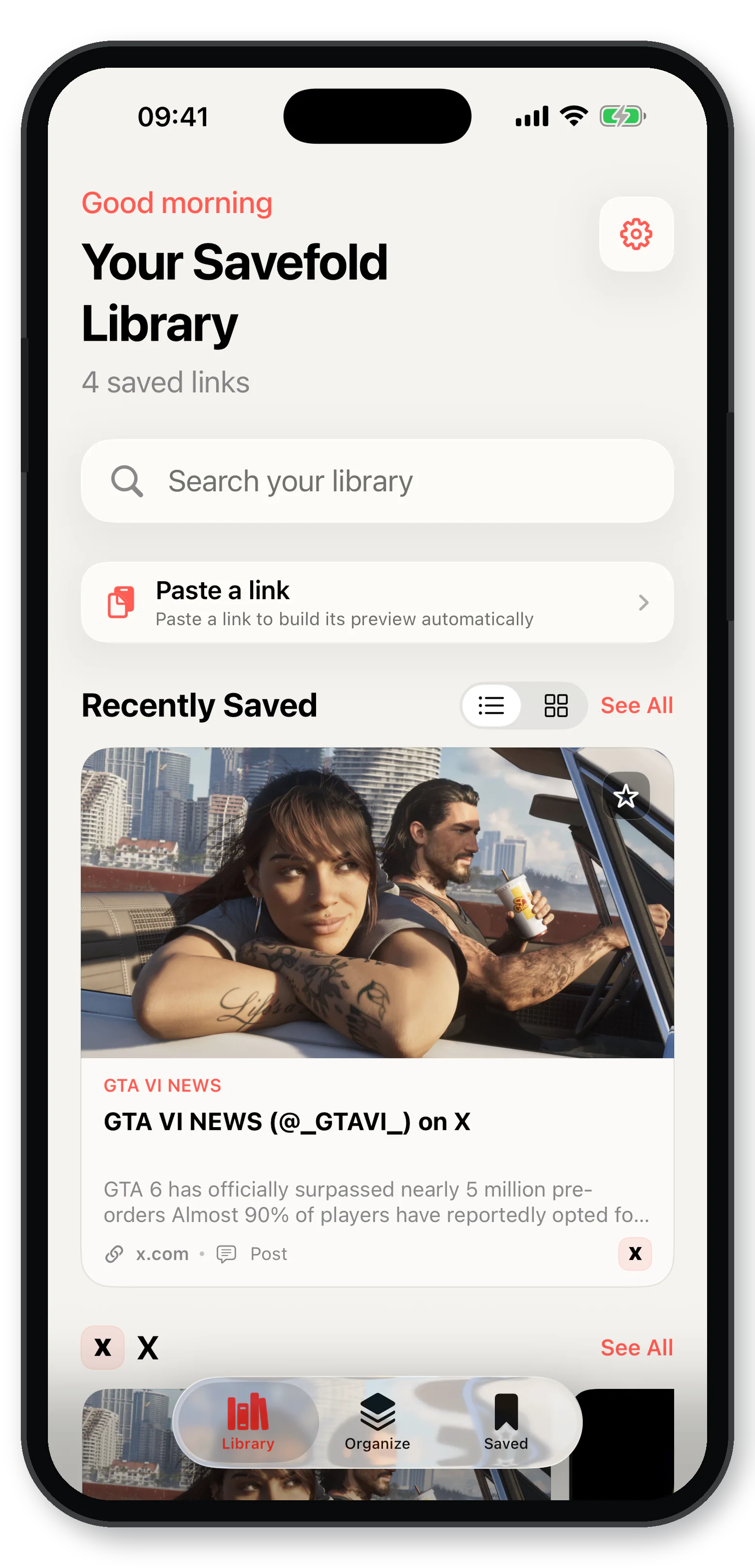
Paste a public link or share it straight from another app. Savefold builds the preview for you.
Save posts, videos, threads, stories, pins, articles, and anything else worth returning to. Savefold keeps the original signal attached — so the link still makes sense later.
Built around your privacyPosts & threads
Videos & channels
Articles & pages
Keep the full library in view: source sections, folders, search, and the link details that make every saved item useful months later.
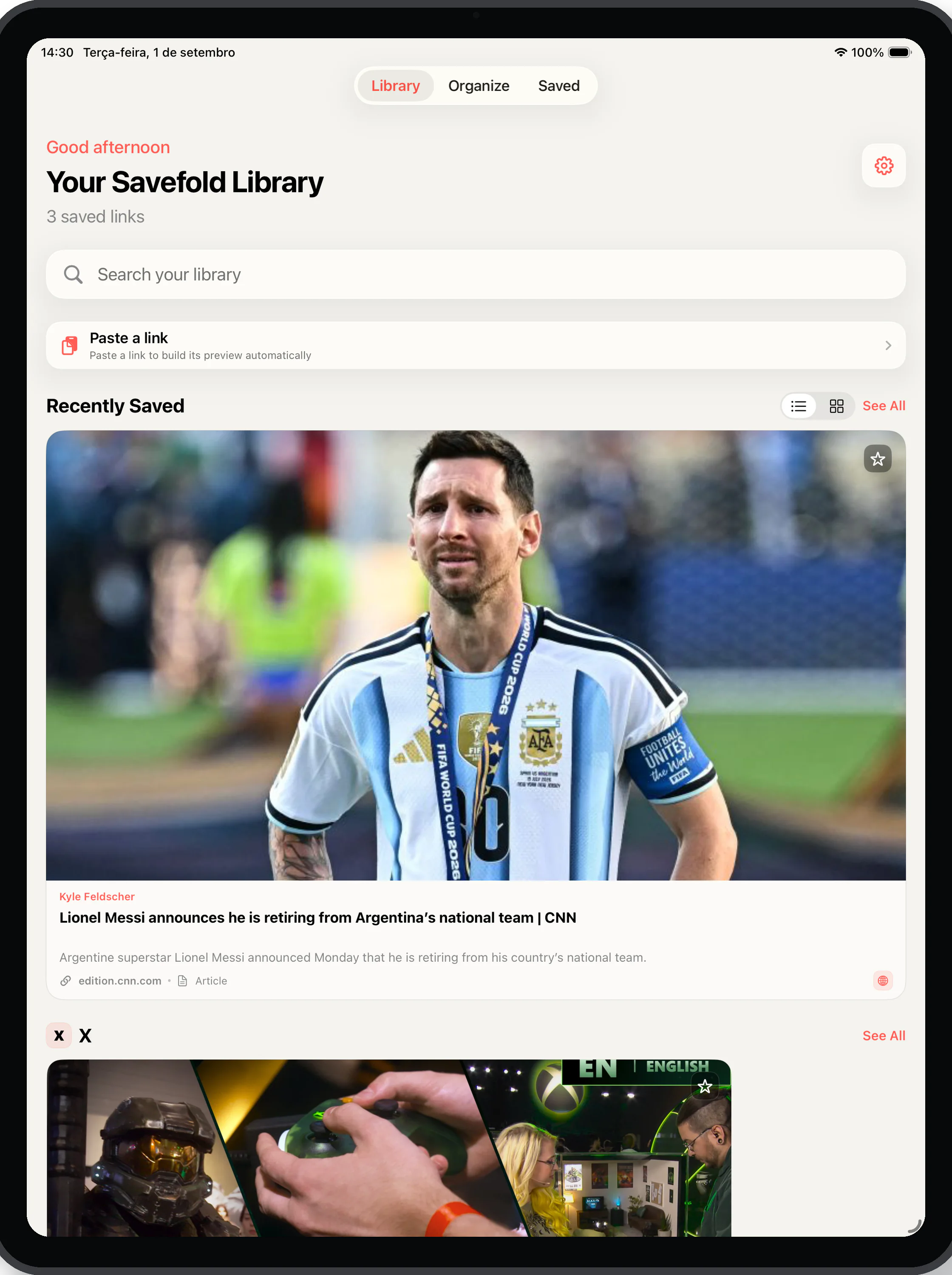
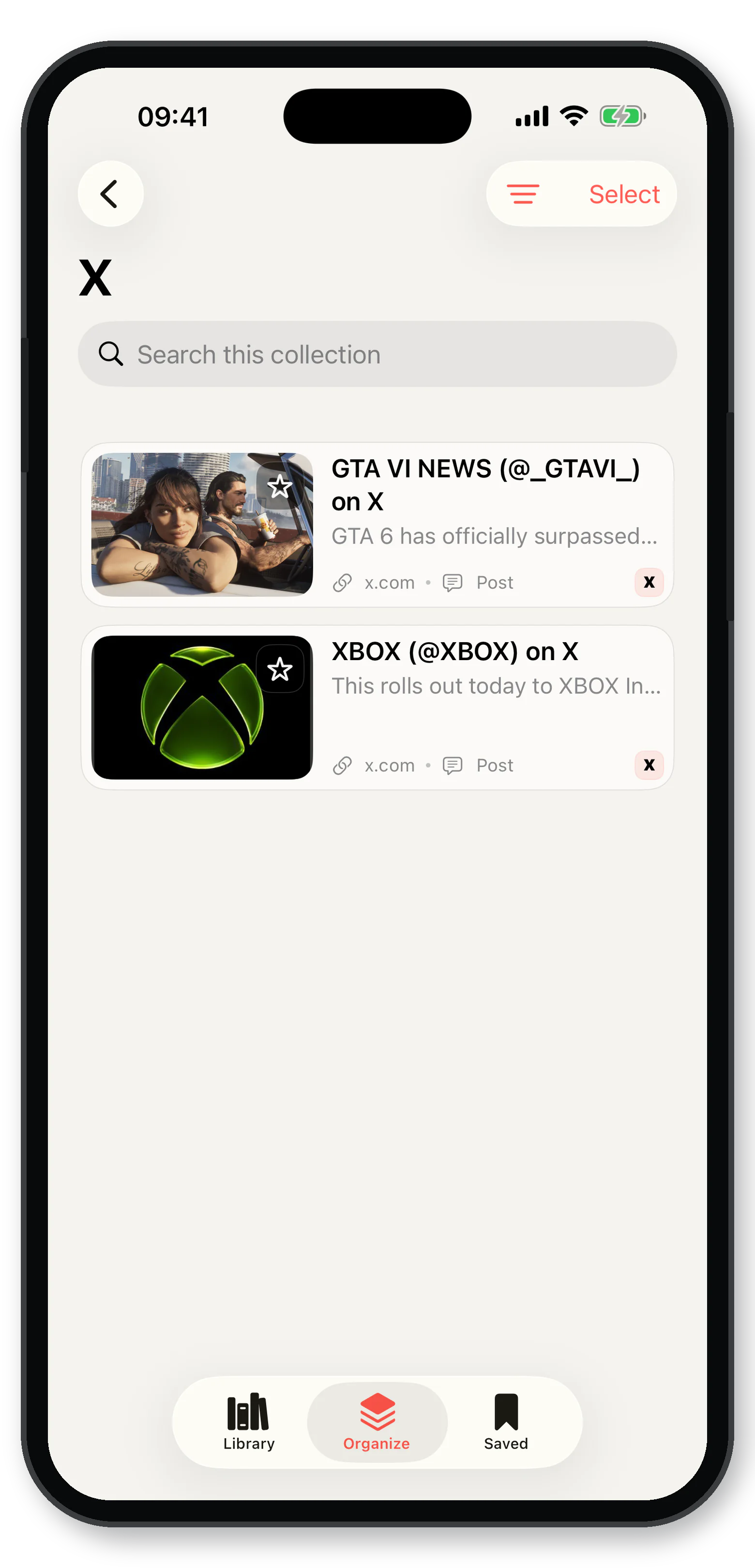
You do not need to remember where you saw it. Search by title, description, author, domain, platform, or topic and let the visual trail lead you back.
Most bookmark tools preserve a URL. Savefold preserves the trail around it, so a growing library becomes a map of your interests rather than a pile of tabs.
Share from any supported app on iPhone or iPad, or paste a public URL into the library.
Savefold uses public metadata to attach the image, title, author, description, domain, platform, and content type.
Move links into folders for research, travel, recipes, work, investments, or any project you care about.
Search by what you remember — title, author, domain, platform, type, description, or topic — then open the original source.
Early launch feedback from people who wanted saved links to become a useful, organized library instead of another place to lose things.
Launch preview · Replace with verified customer reviews
“I kept saving recipes and never finding them again. Savefold gives each link a visual memory, so I can get back to the right one in seconds.”Saved links
“My bookmarks had become a graveyard of URLs. Folders and search finally turn them into a library I can actually use.”Organization
“Sharing straight from another app is the difference. I do not have to copy a link, lose the moment, and promise myself I will sort it later.”Capture
“I save ideas from X, YouTube, and the web in one place. The image and source details help me recognize what I meant to keep.”Context
“Premium makes sense once your library grows: unlimited folders let my research, travel plans, and shopping references stay separate.”Premium
Savefold is built around local storage, public metadata, and the simple idea that your saved links should not need a remote profile.
Your library and organization remain on your device with SwiftData.
Export a JSON backup, restore it later, and keep control of your archive.
Savefold works from the link and what the public page makes available.
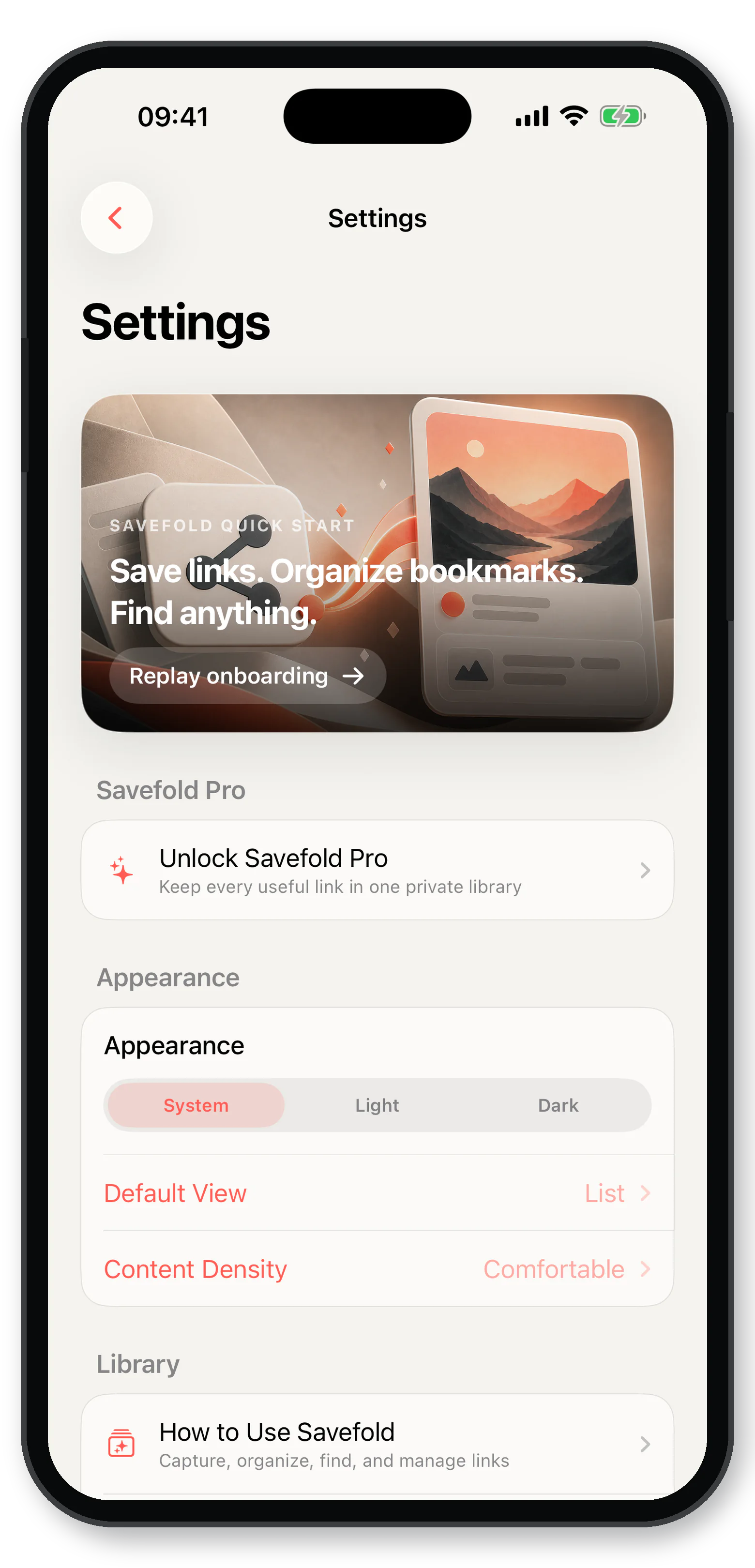
Save anything. Find everything.
A few other tools made with the same care for clarity, privacy, and the Apple ecosystem.
Follow Savefold for product notes, release updates, and the ideas behind the library.
 Return Today
 CrewRest Pilot
 TimeZone Vanguard
 DocLens Pro
 JournalNow
 TV Series Track